Labs Sticker Placer
This tool is part of the FREE and open-source toolset in Houdini called SideFXLabs.
The Sticker Picker is a very simple tool that uses the built-in background image placer, but wraps a nice visual interface around it. The default set of stickers feature some of the known icons found throughout Houdini, but also allow for custom stickers you want yourself.
To add custom stickers, set the environment variable $STICKER_PATH to a directory containing subfolders with stickers in them.
Example: $STICKER_PATH = "C:/MyPath/". Any folders found inside that directory specified will get picked up. For example a folder called "Unicorns". Images directly found in the directory specified will NOT get picked up.
Multiple directories can also be specified by separating paths by a semicolon. Example: STICKER_PATH = "$MYSTICKERS/;C:/Mypath2/".
Big thanks to Shari Solo (https://twitter.com/shari_solo) who created all non-default Houdini stickers seen in the above images.
For more information on SideFXLabs and how to get the tool visit: https://www.sidefx.com/products/sidefx-labs/
Post prepared by:
https://www.artstation.com/estephens
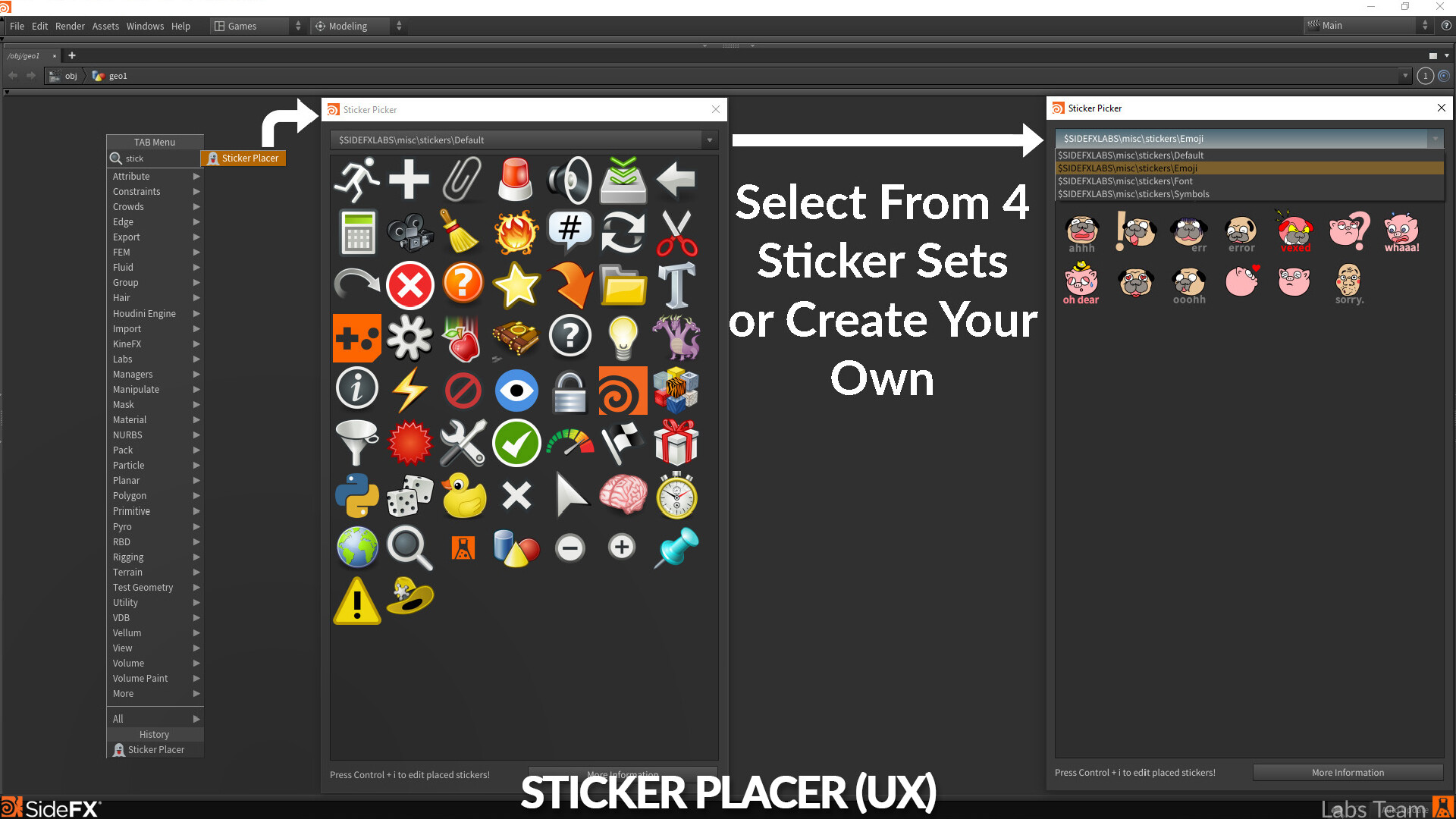
A brief step-by-step on how to place stickers in the network-editor found in Houdini.
A brief step-by-step on how to place stickers in the network-editor found in Houdini.
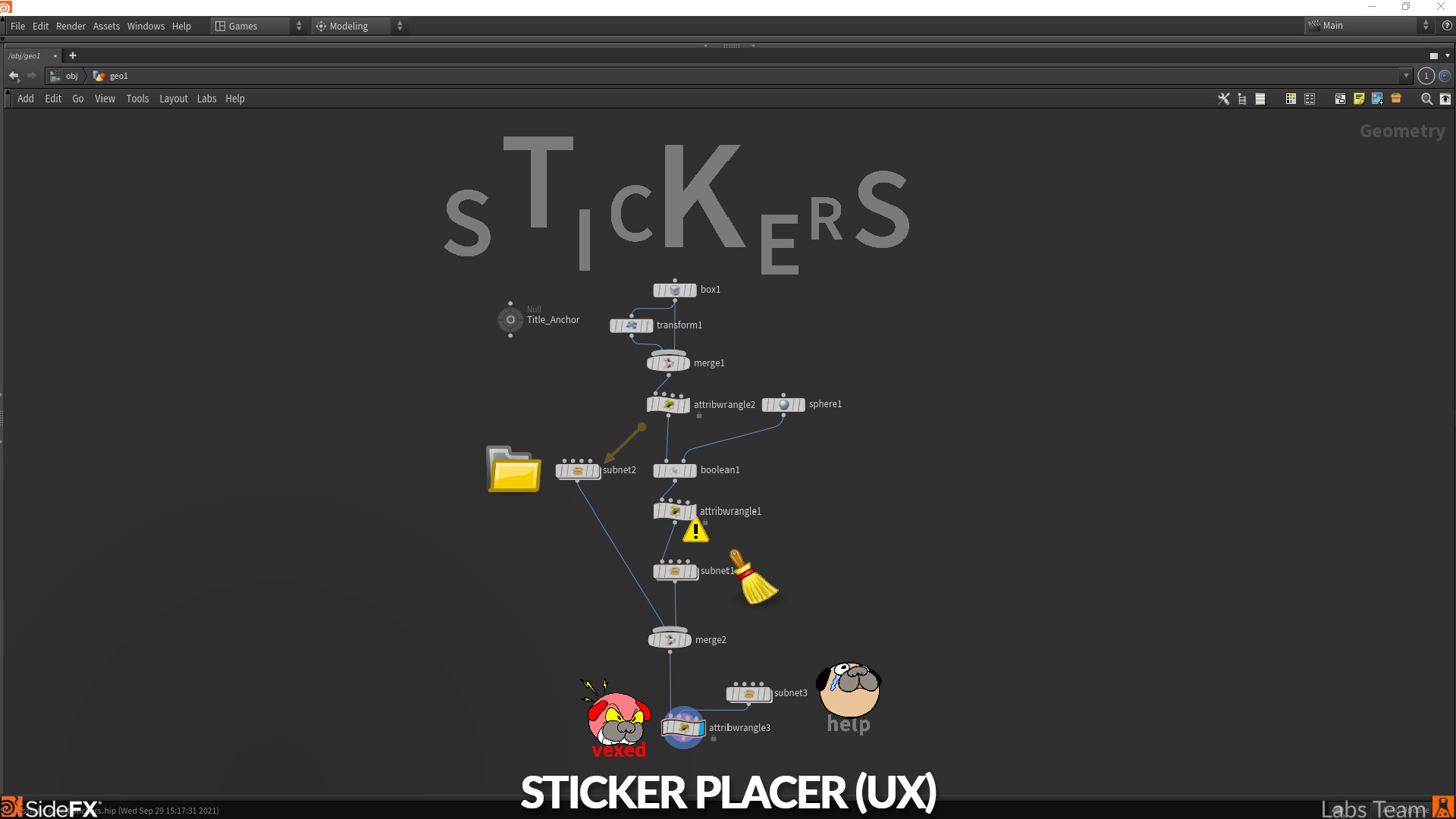
An example of annotating your networks using the stickers.


